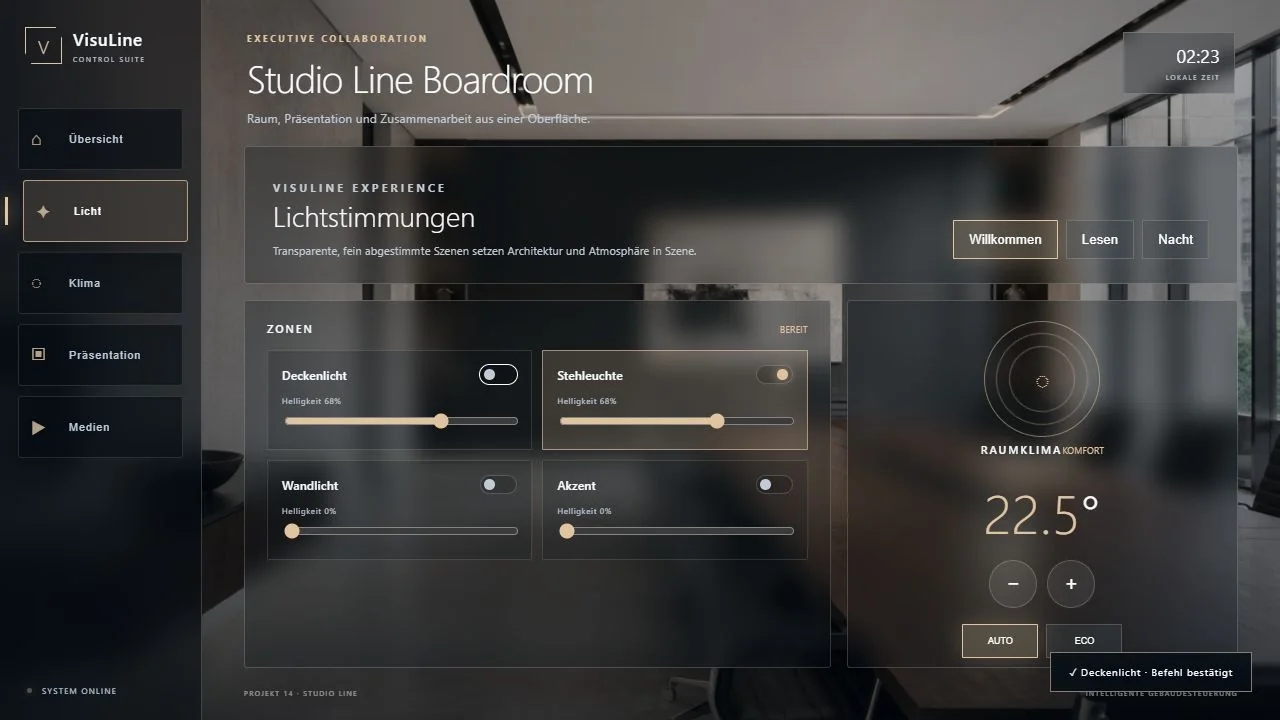
Meeting start
Start the system, displays, audio and lighting in one clear flow.
CRESTRON CONFERENCE ROOM UI
Meetings start without detours: clear source selection, visible system states and interaction logic that occasional users understand immediately.
CONFERENCE ROOM
Meetings start without detours: clear source selection, visible system states and interaction logic that occasional users understand immediately.
Start the system, displays, audio and lighting in one clear flow.
Select and identify wired and wireless sources unambiguously.
Present calls, participants and important states clearly.
Organise presets, controls, mute and feedback.
Combine lighting, shading and room functions for each use.
Present faults, connections and help so users can proceed.
SCOPE OF SERVICE
VisuLine develops the user interface around your Crestron project. Functions, room structure, corporate design and target devices are agreed before production starts.
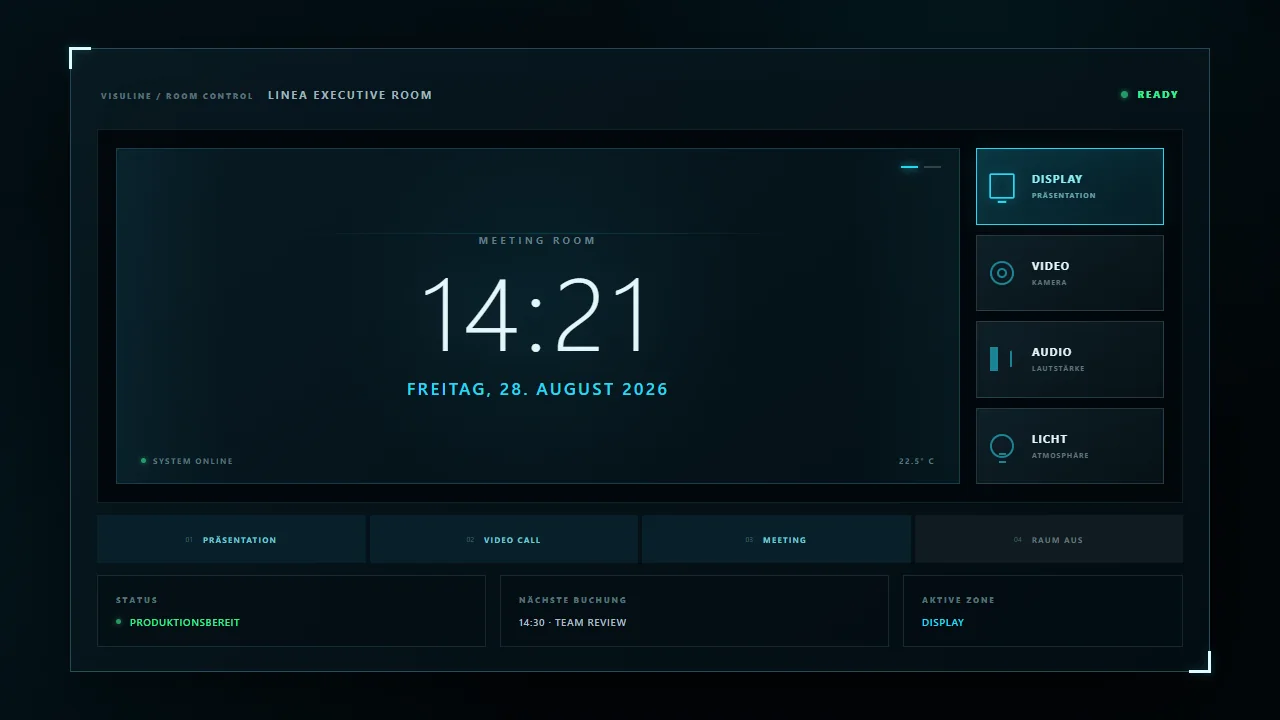
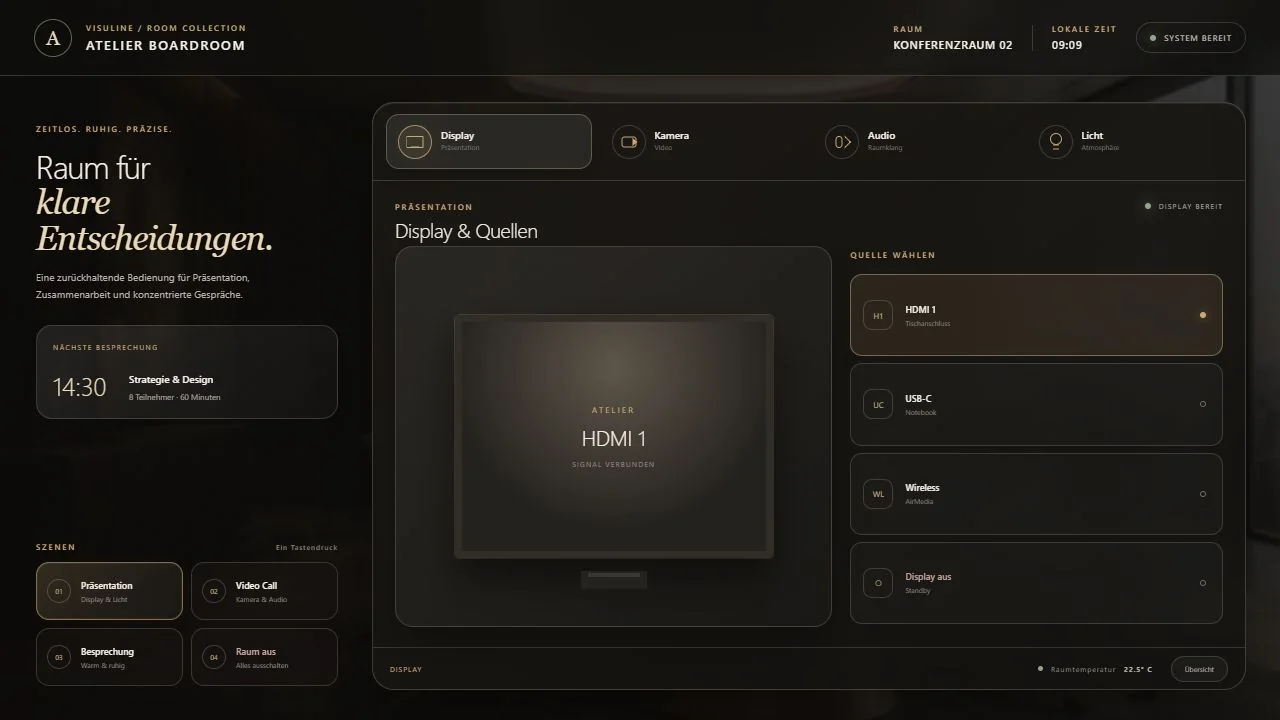
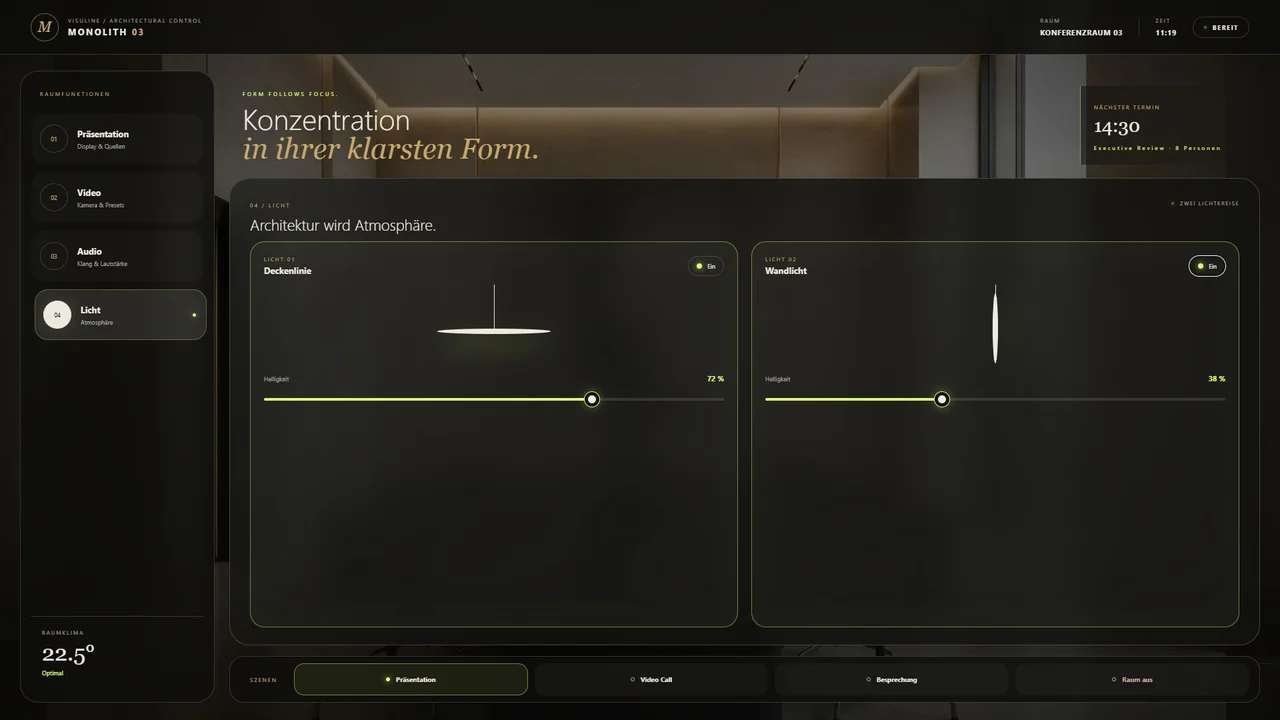
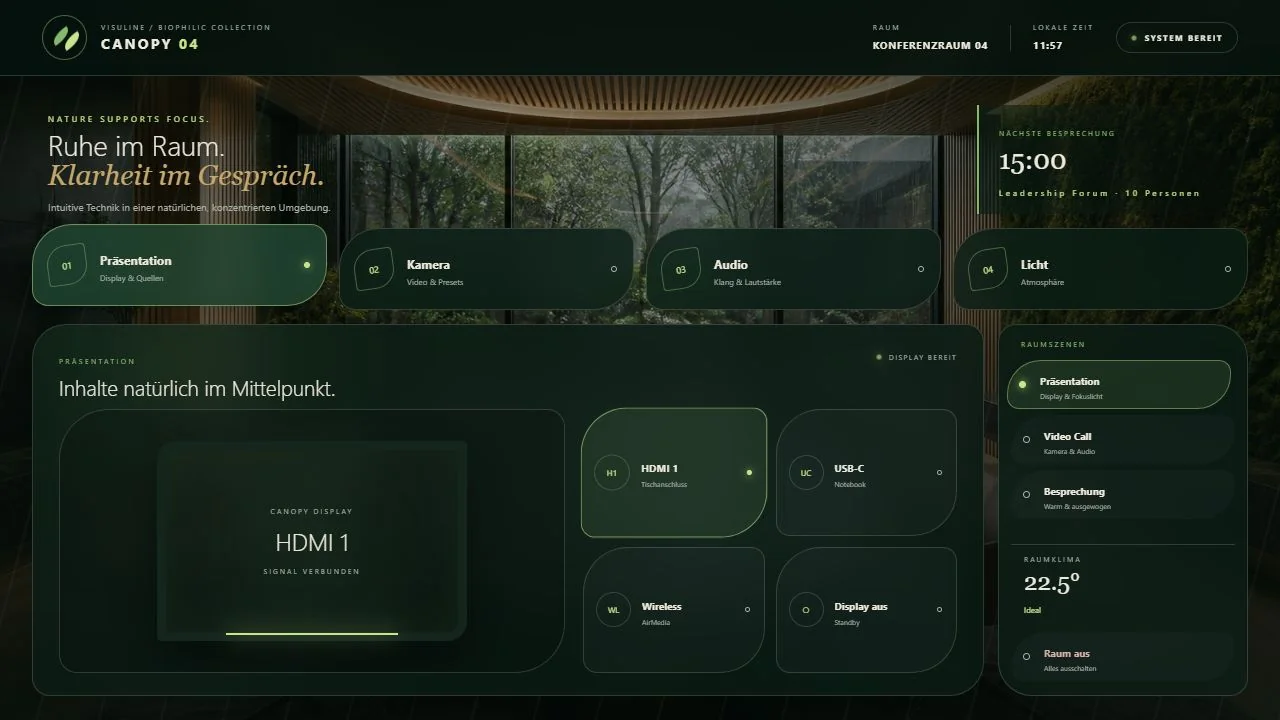
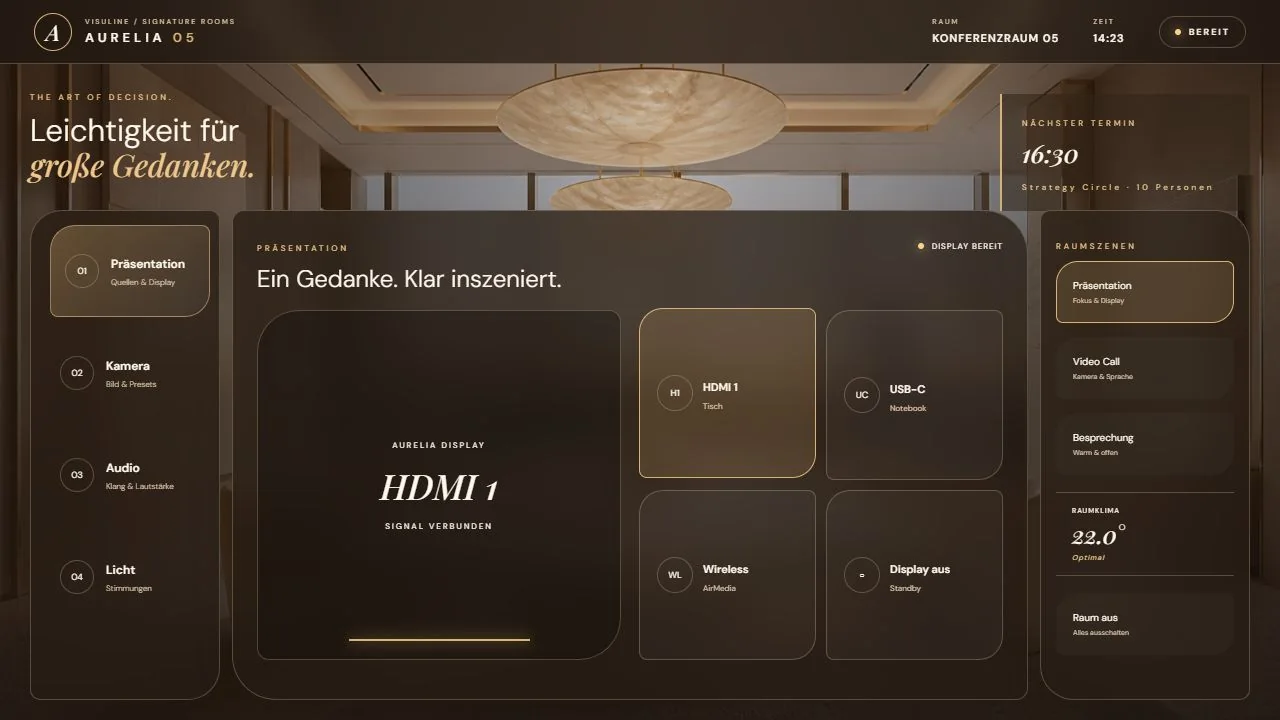
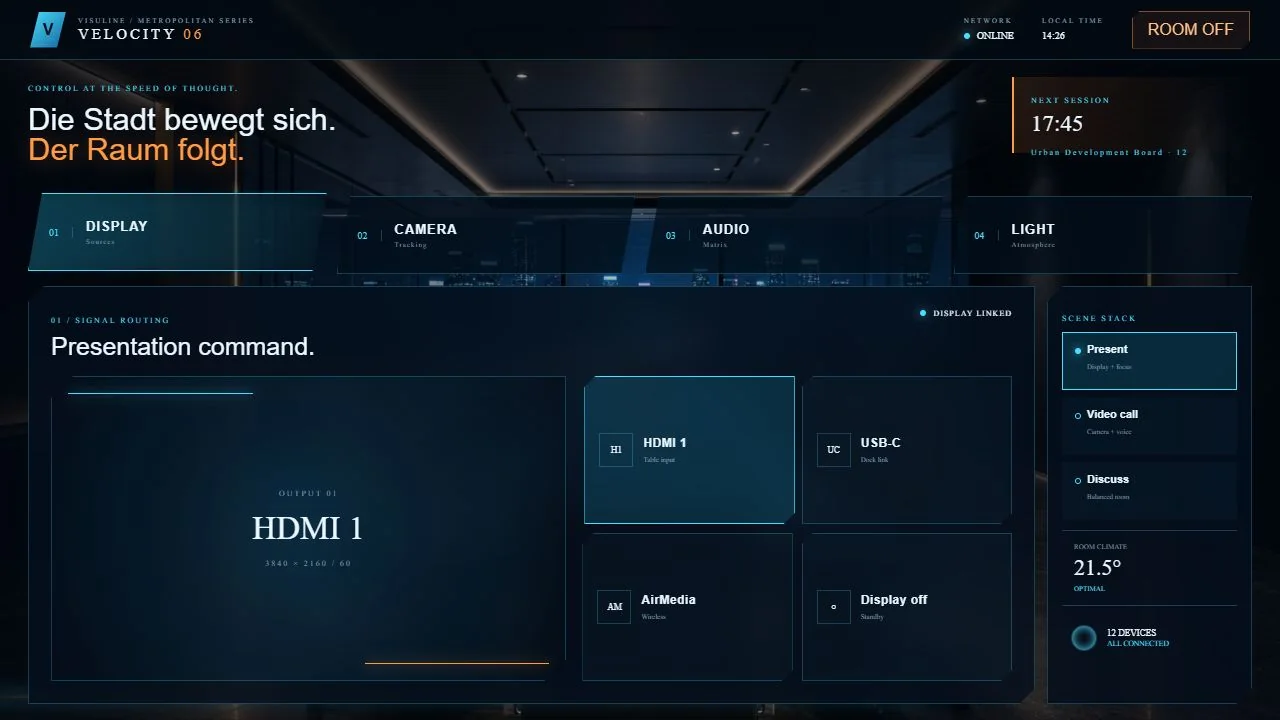
FROM THE VISULINE COLLECTION
Every concept can be adapted. The flyer presents the visual direction; functions and scope are defined for your real project.
COLLABORATION
Define the room, functions, devices and design objective.
Agree on interaction logic, navigation and visual direction.
Develop and document the responsive CH5 interface.
Acceptance, corrections and production-ready delivery.
FREQUENTLY ASKED QUESTIONS
The UI is adapted to the defined Crestron, video, audio and collaboration components.
Yes. A base system can cover different room sizes and equipment levels.
Where the system logic supports it, a guided one-tap start can be included.
Important states are made visible; the exact feedback depends on available signals.
VISULINE
Send us the room type, functional scope and target device. We will respond with a clear assessment of the process, scope and schedule.