
VISULINE · CRESTRON VOICE SYSTEM · THE PRODUCT
CrestronVoice System
We have created a system that lets you control your Crestron devices simply with your voice.
Lights, blinds and other configured functions respond to your voice commands. Recognition takes place locally at your premises. Choose your personal wake name and the devices you want to use – for your home, hotel, office or conference room.
Available languages
- Deutsch
- English
- Français
- Italiano
- Español
German is the default language. Other languages can be added through language packs and then selected.
VISULINE · CRESTRON VOICE SYSTEM
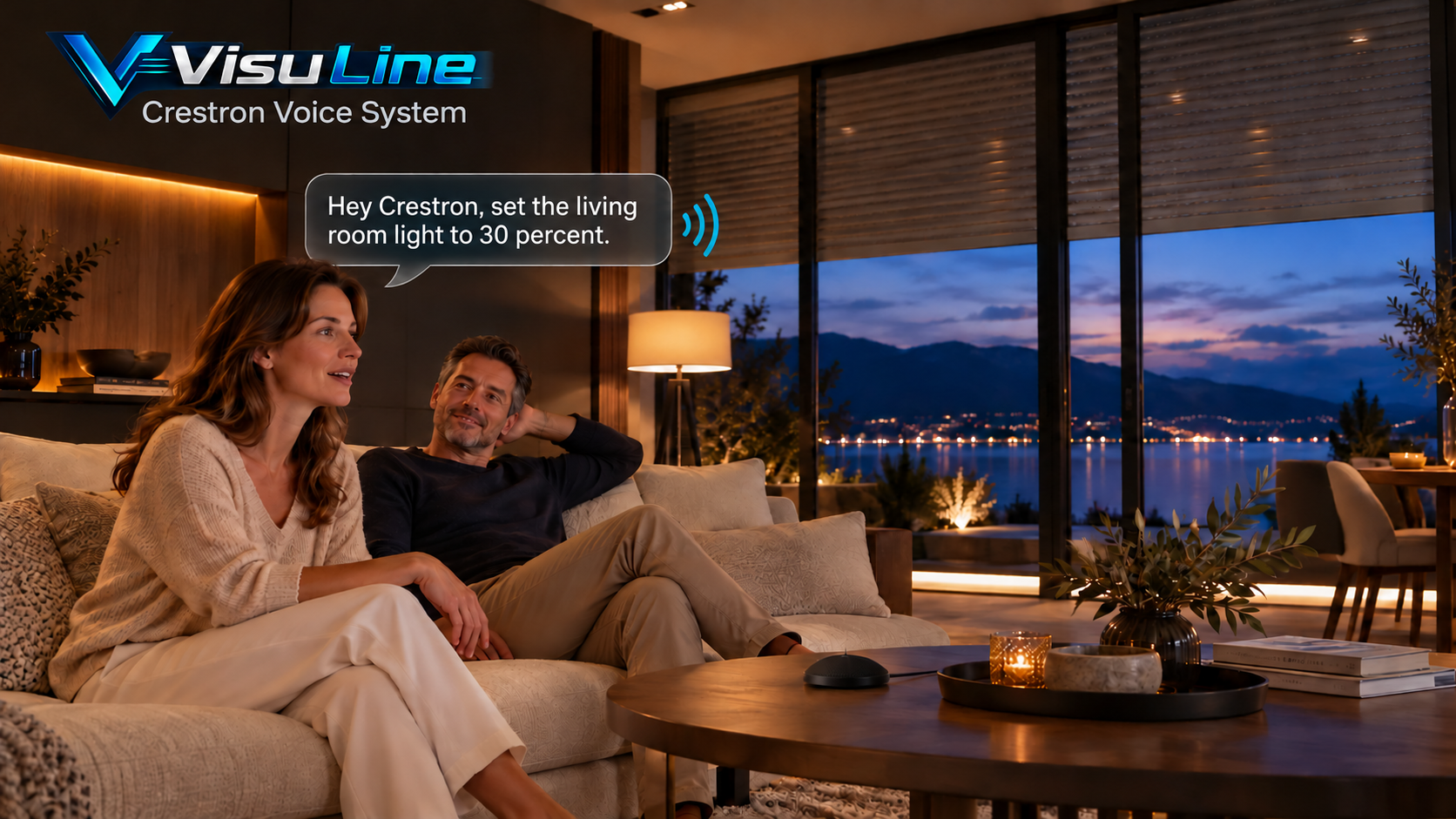
Hands free. In control.
While cooking, arriving home or talking: control your configured functions simply with your voice. The devices you can address are defined for your project.

VISULINE · CRESTRON VOICE SYSTEM
Comfort that fits you.
Lights, blinds and other approved functions are assigned to your rooms. The configuration connects your voice commands to the intended Crestron functions.
While working on your documents, adjust the lighting or room temperature with a short sentence, provided these functions are configured for your office. Stay focused on your work.

VISULINE · CRESTRON VOICE SYSTEM
The original interface.
Clean, easy to understand, well structured.
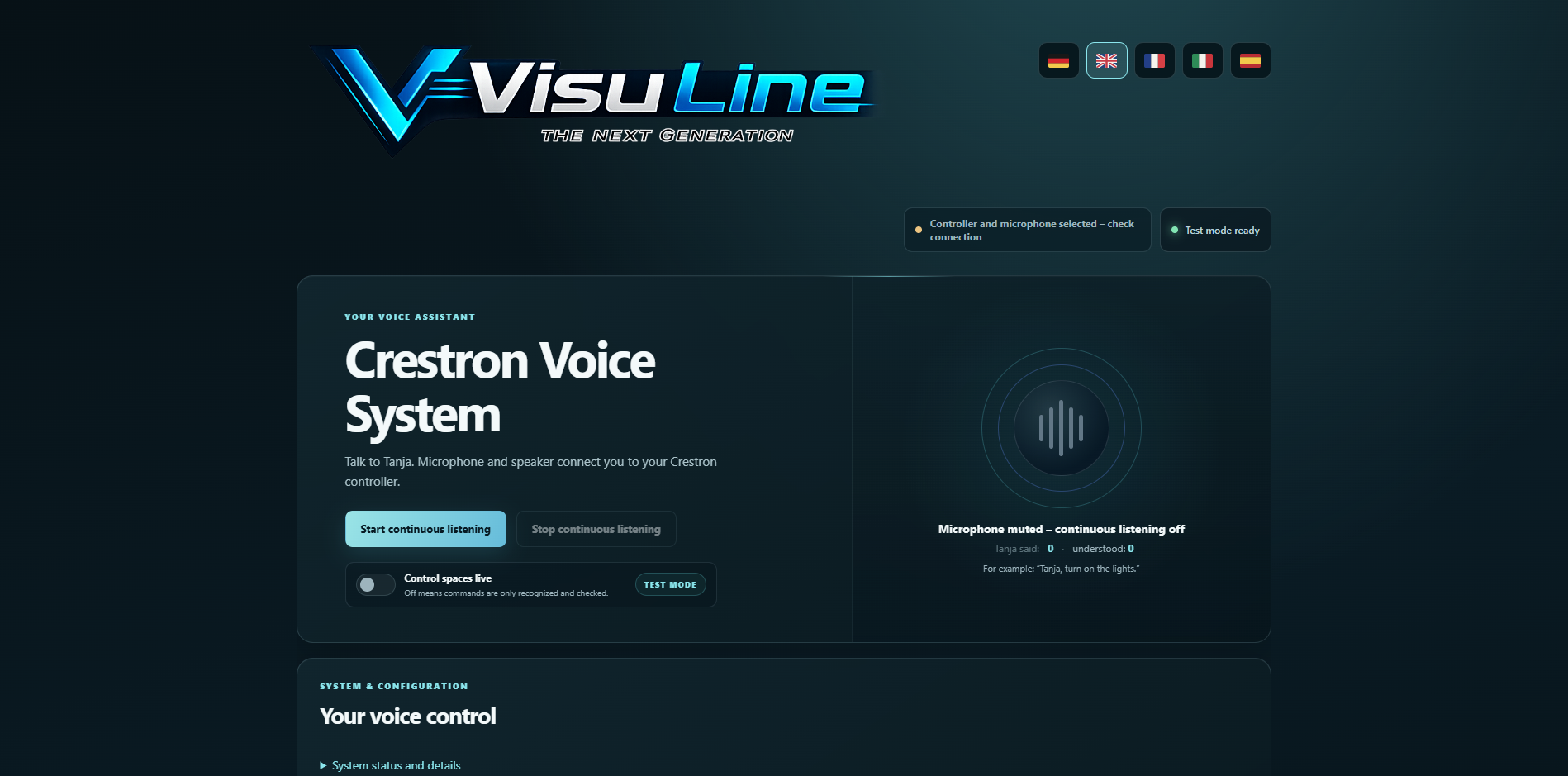
AN EXAMPLE
A name of your choice. One sentence is enough.
Whether “Tanja”, “Luna” or “VisuLine” – you choose the name that activates your voice system. Say your chosen name, followed by what you want. Control the functions enabled for your project simply with your voice.
Example command in English“Hey Crestron, turn on the living room lights.”
VISULINE · CRESTRON VOICE SYSTEM
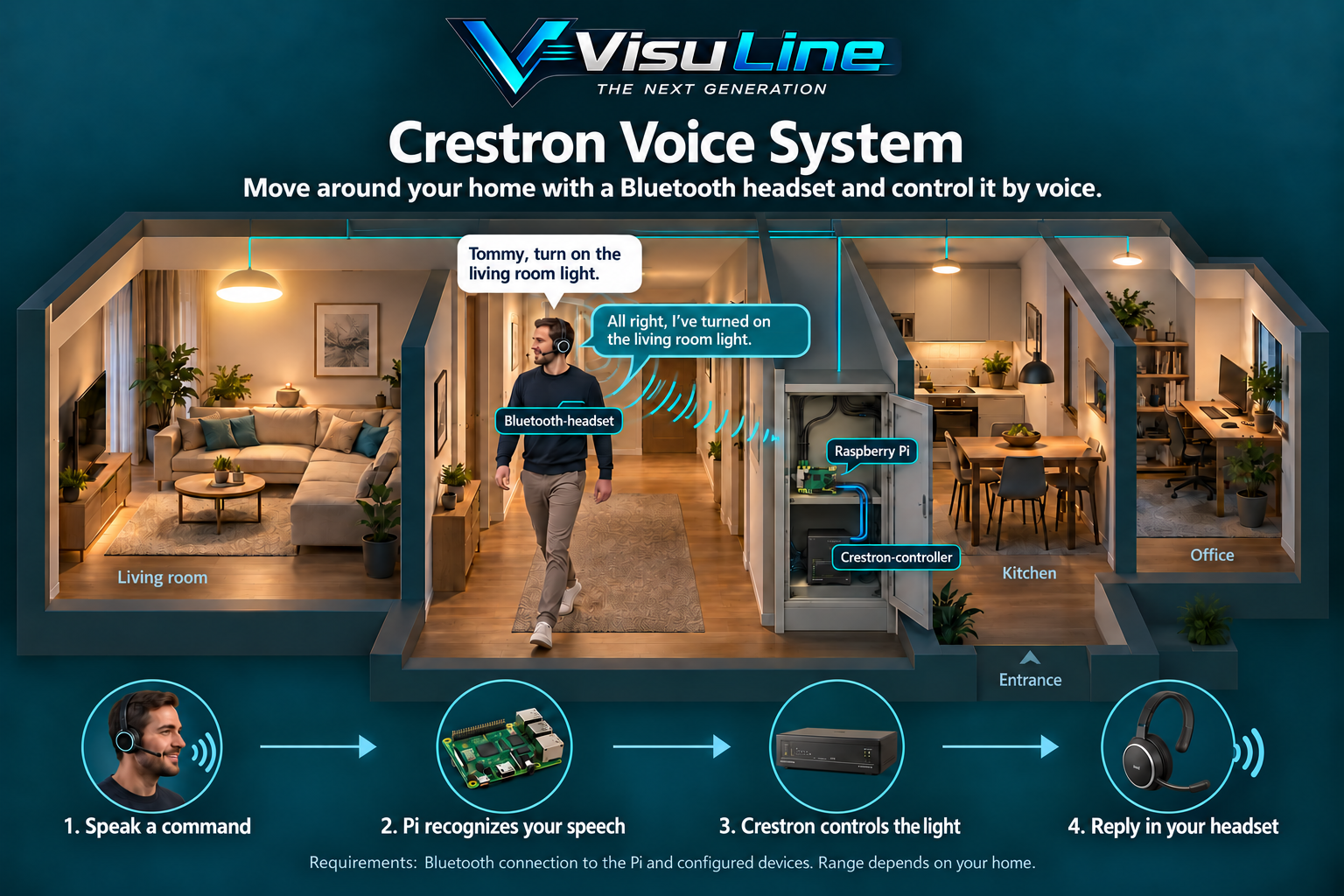
Your voice goes with you.
Your headset picks up your voice command. The system assigns it to the configured device and provides an appropriate spoken reply. You conveniently carry both microphone and audio output with you.
Move from the living room to the kitchen or office: within wireless range and while connected to the Pi, you can continue using the headset. You are not tied to a fixed position in the room.
VISULINE · CRESTRON VOICE SYSTEM
What your system needs.
Start the Windows installer, connect the Raspberry Pi and run the installation. Then set up the controller, licence, microphone and devices step by step through the interface. Hardware is not included.
- Raspberry Pi for local speech recognition
- Crestron controller (4) and configured connection · .smw file
- Suitable microphone and audio output
- Project-specific device mapping and deliberate live approval