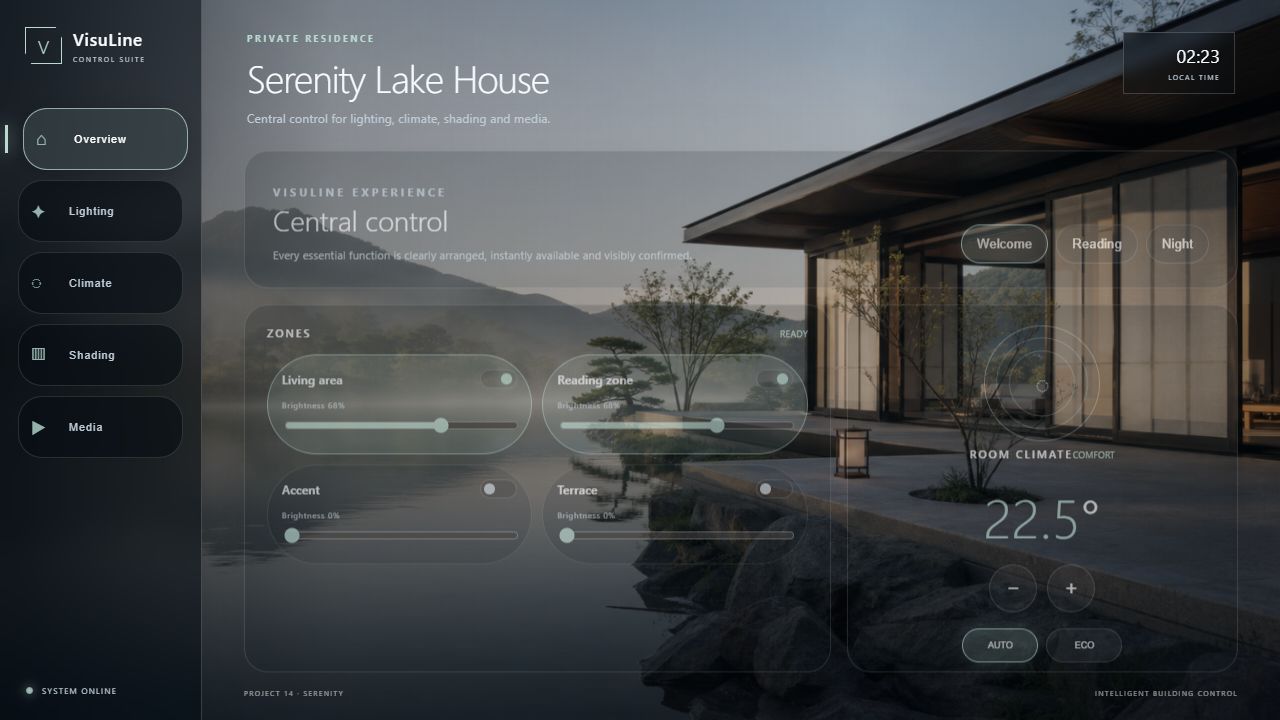
Lighting & scenes
Circuits, groups, dimming and clearly named living scenes.

CRESTRON RESIDENTIAL UI
A calm, clear and premium interface for complex building technology – on touch panels, tablets and smartphones.
RESIDENTIAL
A calm, clear and premium interface for complex building technology – on touch panels, tablets and smartphones.
Circuits, groups, dimming and clearly named living scenes.
Blinds, curtains and façade protection with clear feedback.
Setpoints, modes and room temperatures in one clear view.
TV, audio, sources and volume for each room.
Doors, cameras, presence and important states at a glance.
A cross-room overview with consistent navigation.
SCOPE OF SERVICE
VisuLine develops the HTML5/CH5 frontend: design, navigation, function pages and visible states. The integrator provides the Crestron control program, device integration and documented joins or contracts. Hardware and network commissioning and changes to the control logic are outside the standard scope.
HTML5 / CH5
In a home, navigation starts with the room: lighting groups and scenes, shading, temperature setpoints and media have a consistent place. Available commands, reported values and room grouping are defined from your signal list.
Touchpanel model, HTML Web XPanel, mobile browser and resolutions are checked before implementation. Layout and controls are developed for the agreed targets; compatibility with every device or version is not promised.
A button sends a mapped command. A displayed state needs actual feedback from the control program. Both directions are documented separately; a design preview is not system acceptance.
FROM THE VISULINE COLLECTION
These original designs are adaptable UI concepts, not claimed customer installations. Functions, equipment and signal mapping are defined for your project.

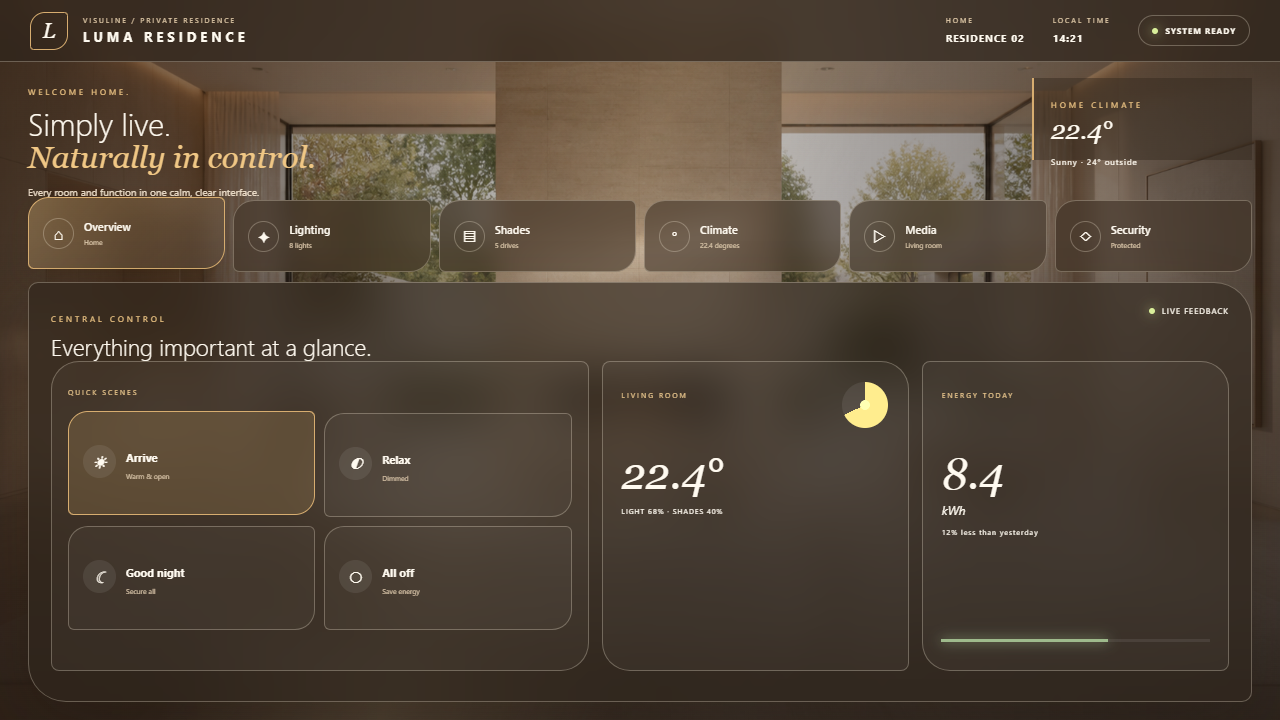
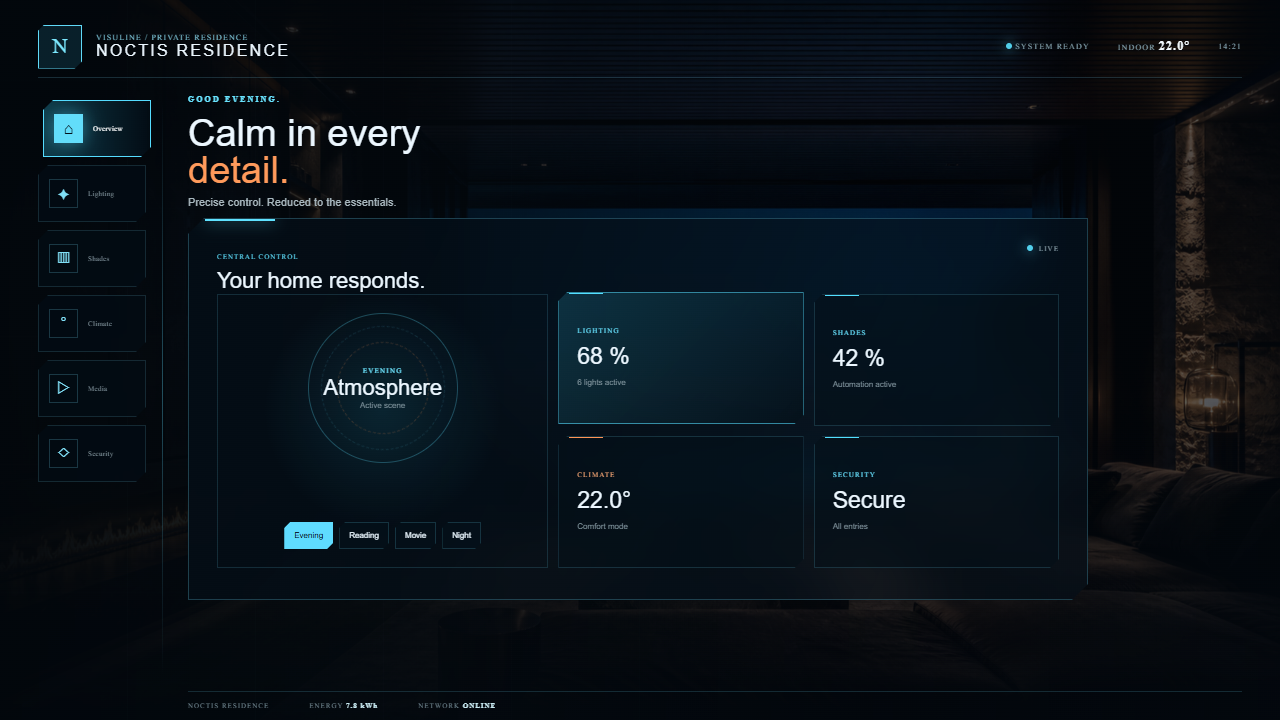
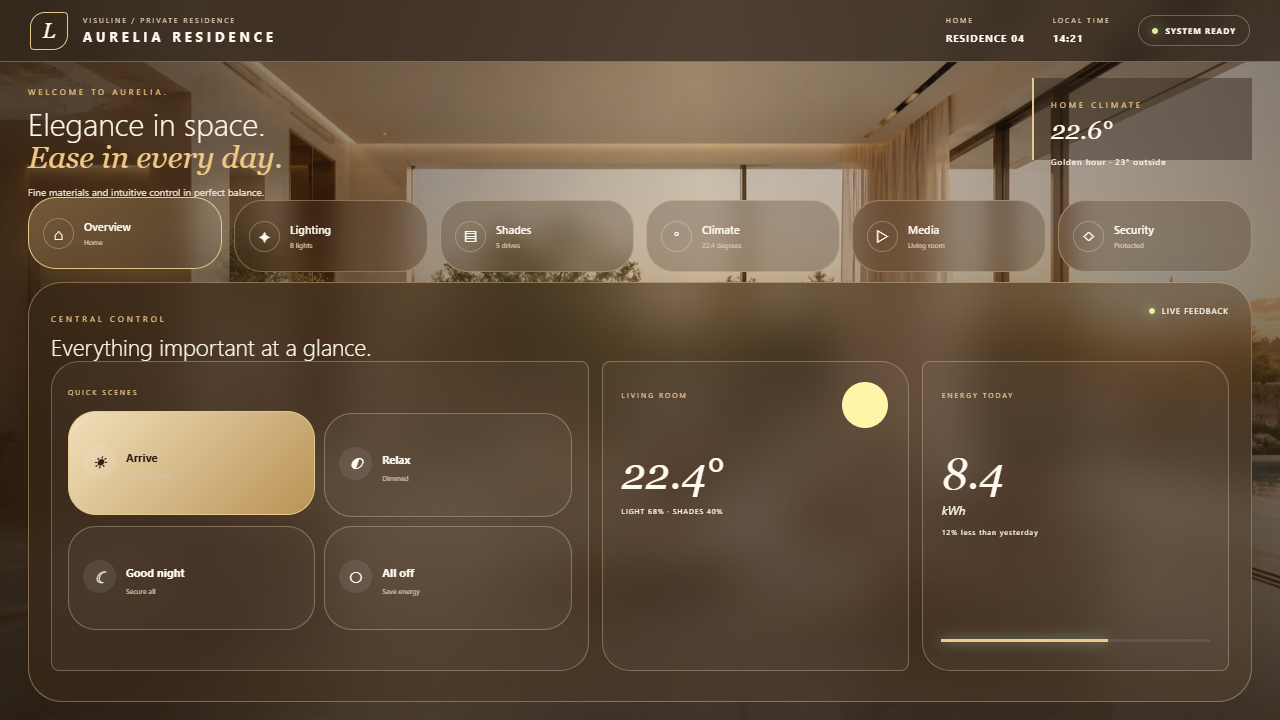
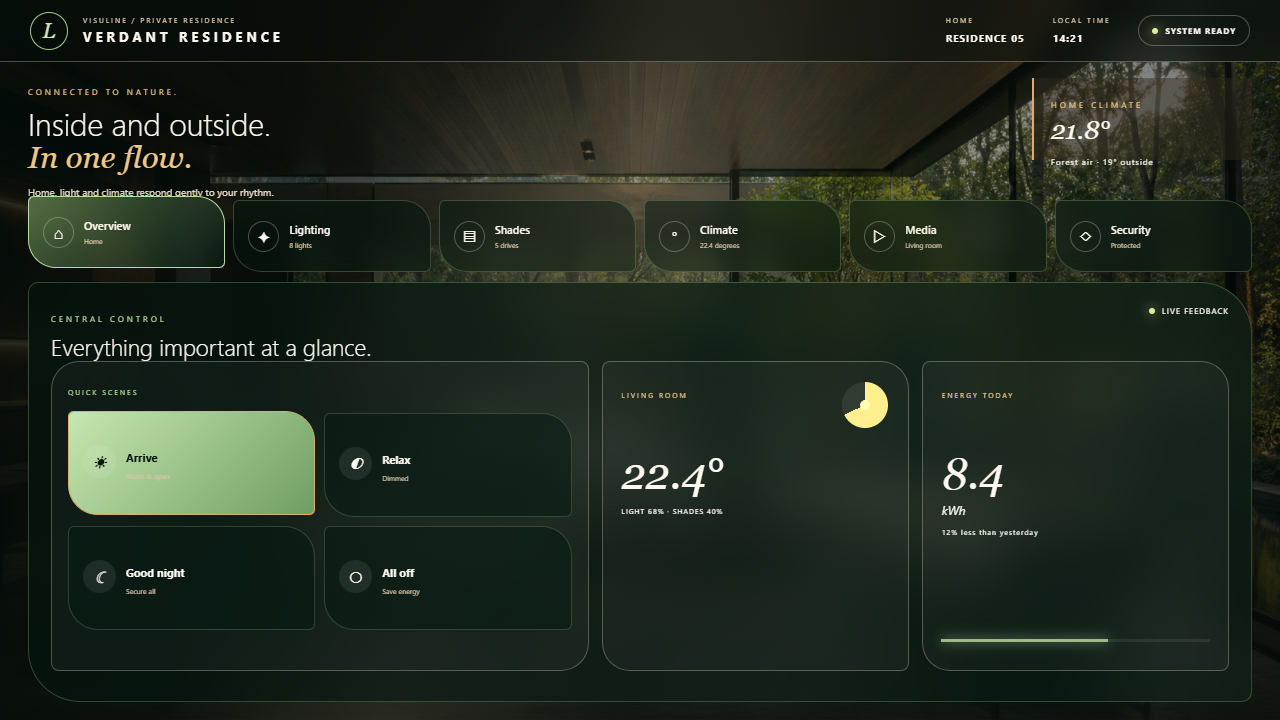

VISULINE · HTML5 / CH5
Open the dedicated watch page for each design. Page and audio languages are identified; unavailable translations are not presented as available.


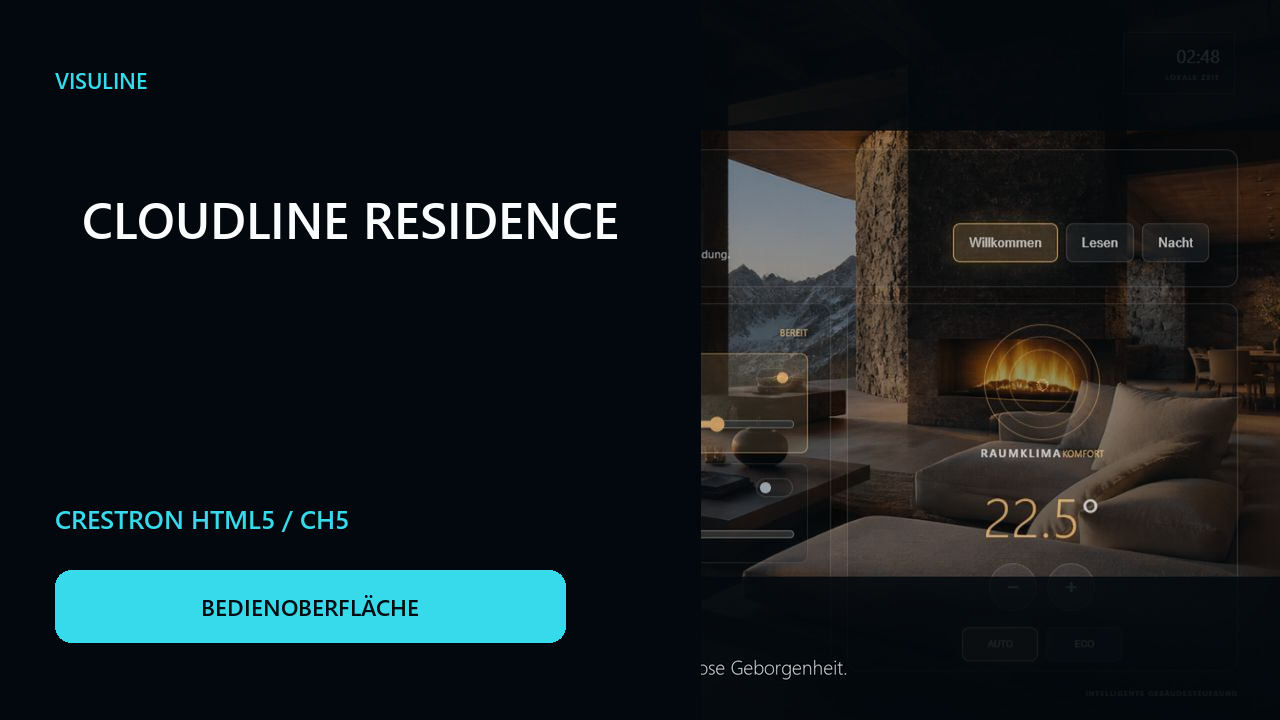
COLLABORATION
Define the room, functions, devices and design objective.
Agree on interaction logic, navigation and visual direction.
Develop and document the responsive CH5 interface.
Acceptance, corrections and production-ready delivery.
FREQUENTLY ASKED QUESTIONS
Depending on the project: Crestron touch panels, browsers, tablets and smartphones.
Yes. Corporate design, architectural colours and existing guidelines can be integrated.
VisuLine focuses on the CH5 interface. The boundary to Crestron programming is defined in the briefing.
Yes. A modular structure supports additional rooms, functions and device variants.
The standard scope covers the interface and agreed signal integration. Control logic, drivers, networking and hardware commissioning remain with the integrator unless explicitly agreed otherwise.
Model, resolution, browser and runtime are reviewed in the briefing. Touchpanels, HTML Web XPanel and mobile browsers are possible targets, not an unchecked promise for every device.
Room type, functions, equipment, target devices, design guidelines and available join/contract documents. Missing interfaces are clarified before a binding commitment.
VISULINE
Send us the room type, functional scope and target device. We will respond with a clear assessment of the process, scope and schedule.